Portal Panic
A downloadable game
🌀 Portal Panic
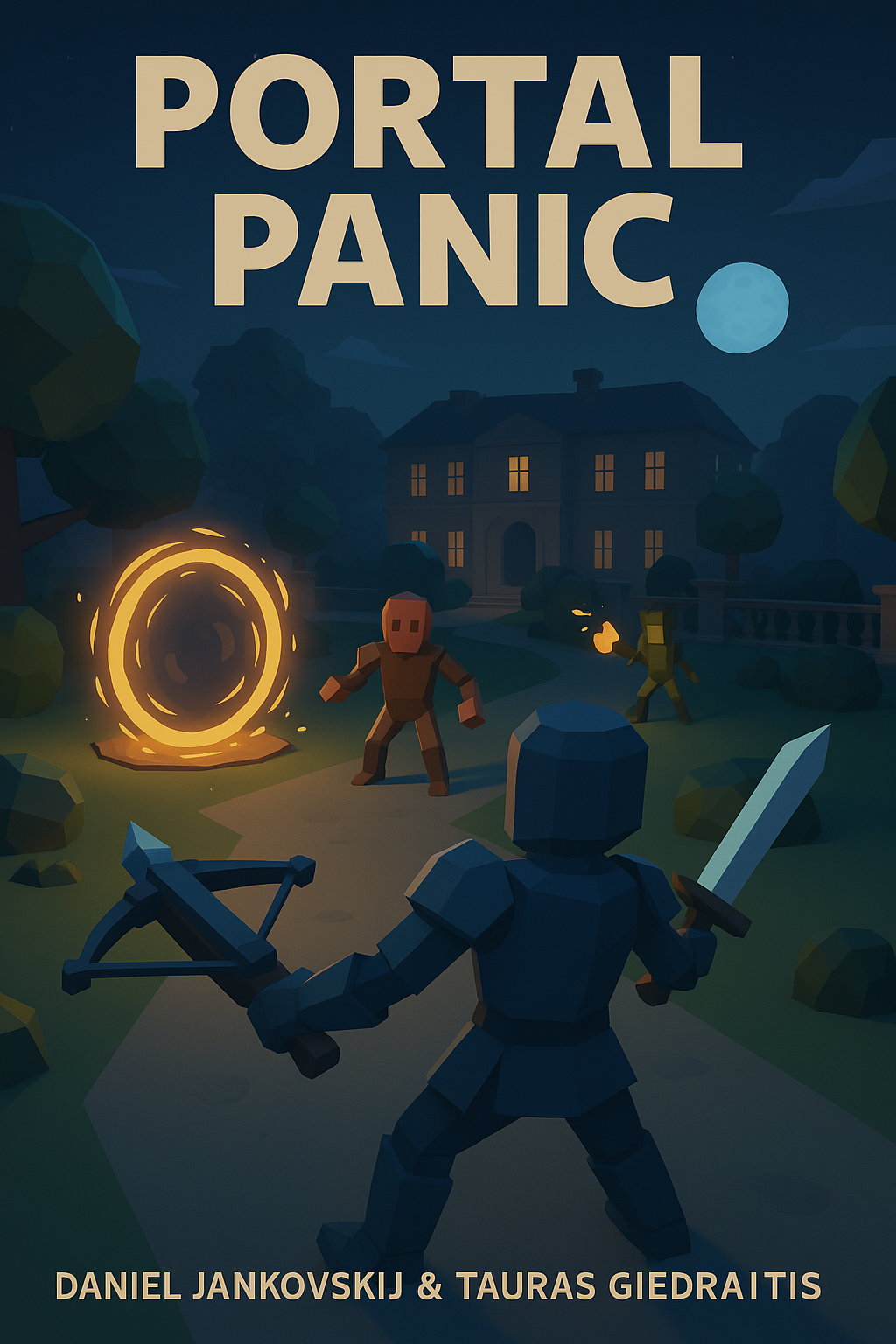
Authors: Daniel Jankovskij & Tauras Giedraitis
Engine: Unity (VR Compatible)
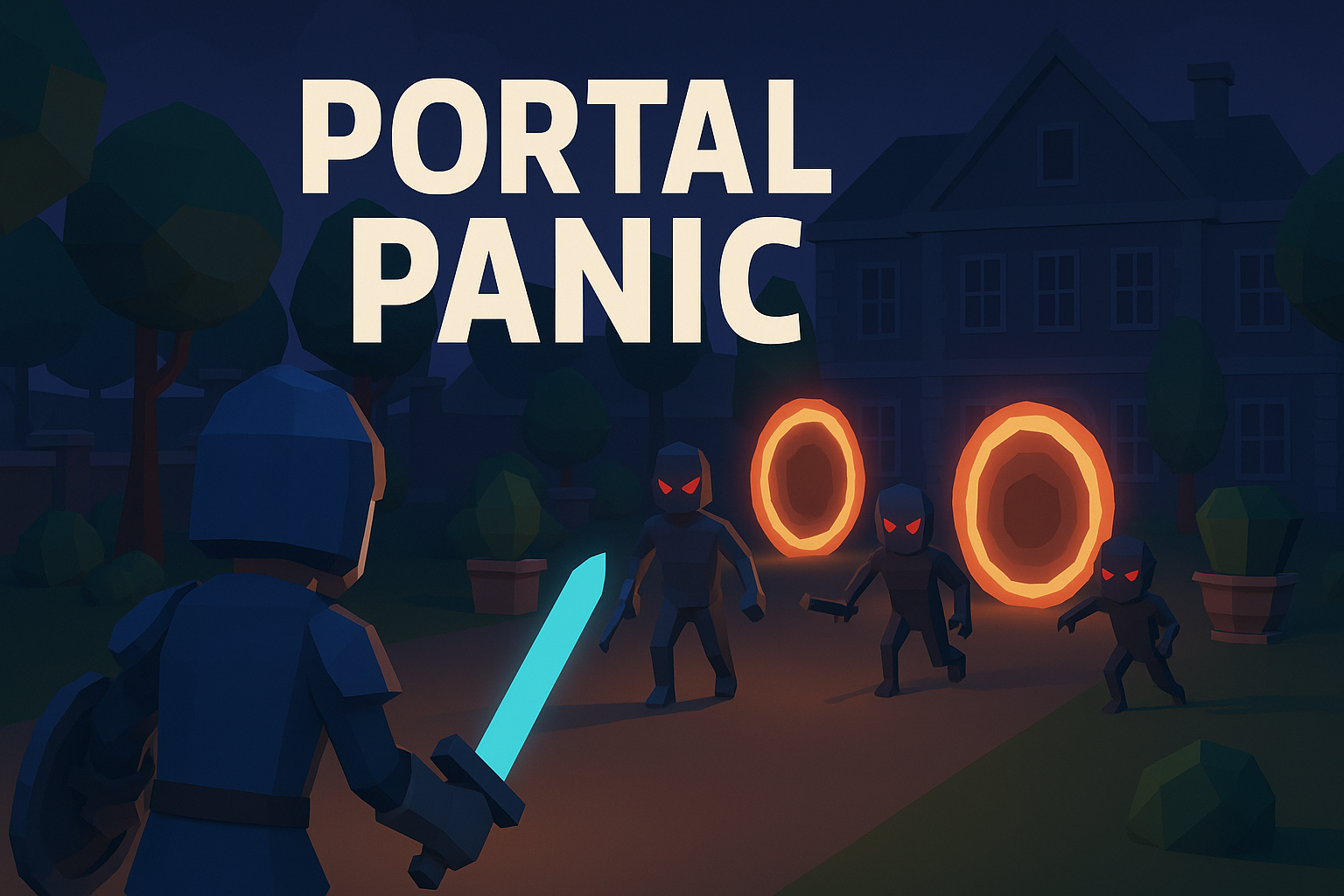
Step into the haunted manor garden and face the chaos of portal invasions.
Enemies pour through glowing gateways as the night deepens — it’s up to you to fight, survive, and outlast the storm.
⚔️ Gameplay Overview
-
Three Weapons:
-
🗡️ Sword – Close combat weapon for precise melee attacks.
-
🎯 Ranged Weapon – Upgradeable ranged combat tool.
-
💣 Bomb – Devastating area-of-effect attack that regenerates every 3 minutes.
-
-
Wave System: Enemies attack in waves, each more intense than the last.
-
Randomized Portals: New enemy portals spawn across the map each round.
👹 Enemies
-
Basic Enemy: Simple melee attacker — strength in numbers.
-
Ranged Enemy: Tougher opponent with distance attacks.
-
Fast Enemy: Quick and hard to hit — perfect for keeping you on edge.
🌙 Environment
Battle takes place in a dark, low-poly manor garden surrounded by trees and eerie structures.
The map loops in a circle, keeping the pressure constant as enemies close in from all directions.
🧠 Core Features
-
Smooth VR combat system with melee and ranged mechanics.
-
Dynamic portal spawning for replayability.
-
Wave progression with increasing challenge.
-
Interactive and destructible environment elements.
🛠️ Technical Info
-
Built with: Unity
-
Language: C#
-
Tools: Blender, Mixamo, Unity Asset Store
-
Version Control: GitHub
-
Testing: VR Headset compatible
💀 Goal
Survive as many waves as possible and prove your strength against the endless portal invasion.
Download
Install instructions
📥 Download & Installation Instructions
🕶️ Platform: Meta Quest / Quest 2 / Quest 3
-
Download the
.apkfile from this page. -
Connect your Meta Quest headset to your PC using a USB cable.
-
Enable Developer Mode on your headset (required to sideload):
-
Open the Meta app on your phone.
-
Go to Menu → Devices → Developer Mode → Enable.
-
-
Install the APK using one of the following methods:
-
🔹 SideQuest (Recommended):
-
Download and open SideQuest
.
-
Connect your headset and drag the
.apkfile into SideQuest to install.
-
-
🔹 ADB Command (Advanced):
-
Use the command:
adb install portalpanic.apk
-
-
-
Once installed, launch “Portal Panic” from your Apps → Unknown Sources section in your headset library.
⚠️ Notes
-
Ensure your headset has Developer Mode enabled before installing.
-
The game runs natively on Meta Quest (standalone) — no PC connection required after install.
-
For the best experience, play in a well-lit, open space with 6DoF tracking enabled.
Comments
Log in with itch.io to leave a comment.
As soon as I start to move, I levitate above all the zombies. I can still move around the map but the zombies are below me. I'm using a Quest 3.
Hey, the game is still in development, but thanks for the feedback! Try the latest version, these bugs should be fixed